UX design before development: why a design phase saves your build budget
The short answer
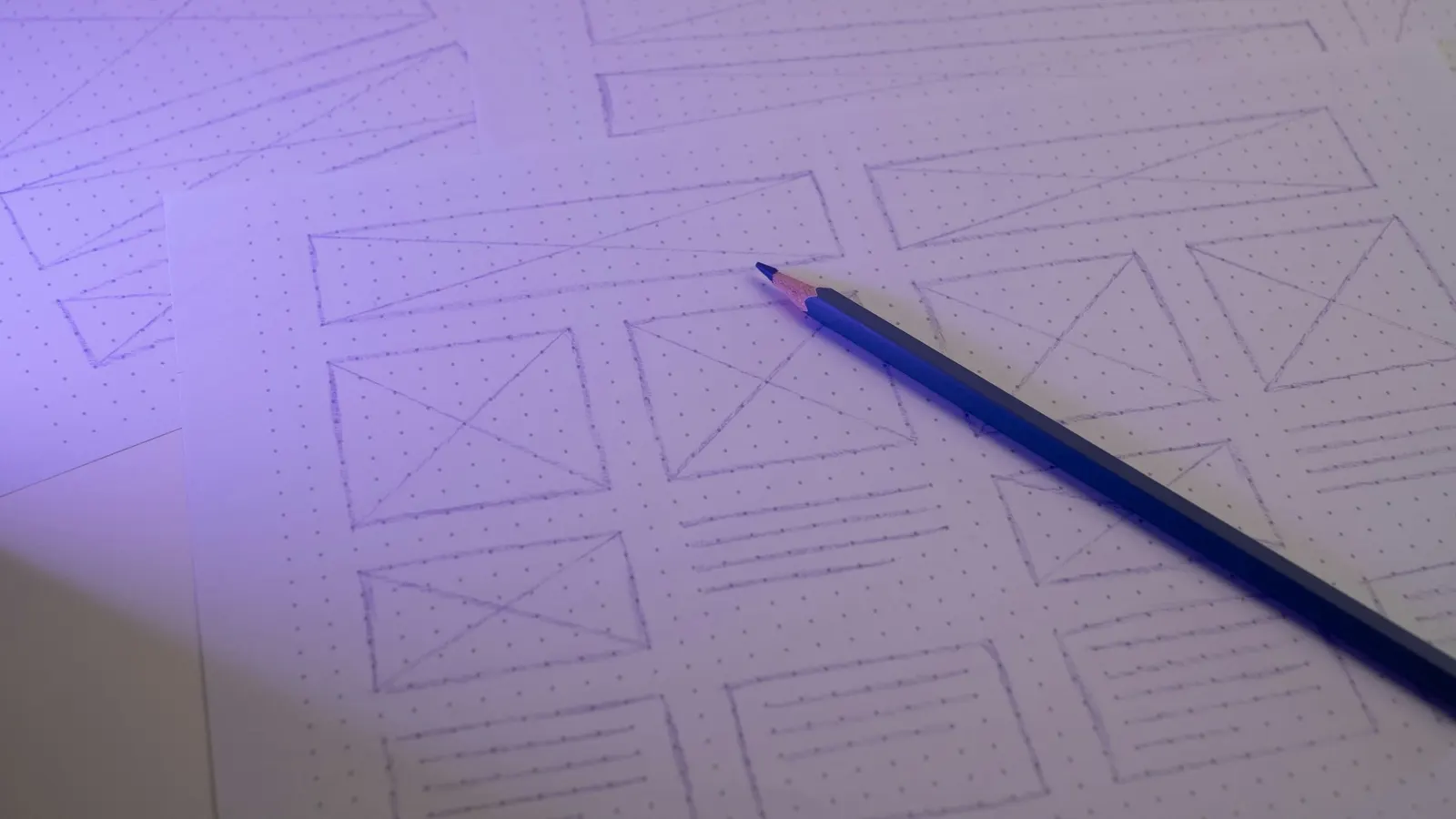
A short UX design phase before development saves budget because changing a screen in a design tool takes minutes, while changing it in code takes days. In one to a few weeks you get user flows, wireframes and a clickable prototype that real users can try. Developers then build the right thing once, instead of rebuilding it.
Why skipping design rarely saves time
Starting with code feels like progress, because something is running on day two. The cost shows up later: a flow that confuses users, a screen that cannot hold the real data, a feature nobody asked for. Each one is found after it is built, and each fix means rework across the front end, the back end and the tests.
A design phase moves those discoveries to the cheapest point in the project, before any of it is code.
Design first vs code first
| Design phase first | Straight to code | |
|---|---|---|
| First thing you can show users | A clickable prototype in days | A partial build in weeks |
| Cost of changing a screen | Minutes | Hours to days |
| Developer estimates | Based on agreed screens | Based on guesses |
| Risk of building the wrong feature | Low, tested early | High, found late |
| Design consistency | A shared system from the start | Drifts screen by screen |
What a UX phase produces
- User flows: the paths each type of user takes to get their job done.
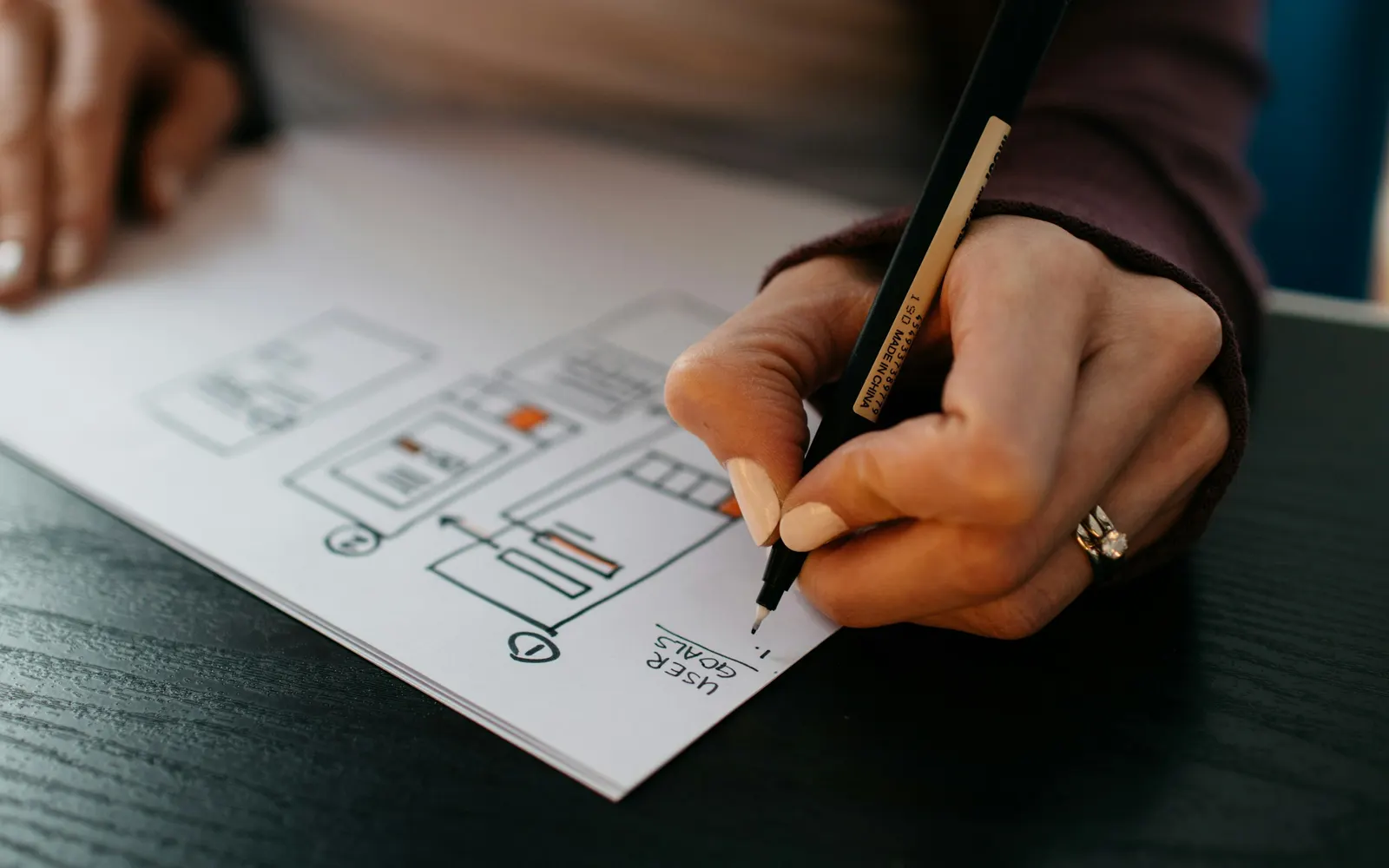
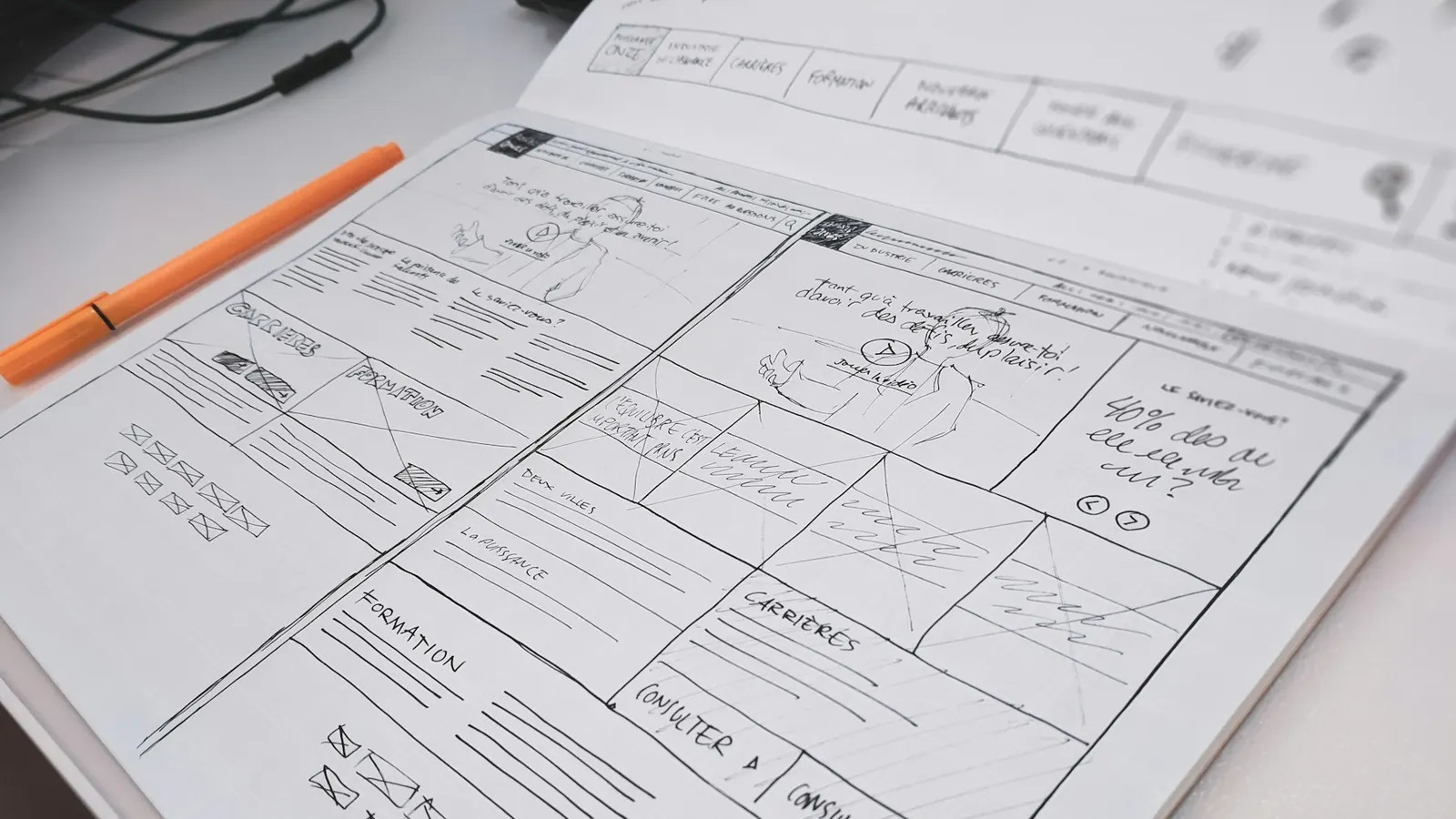
- Wireframes: the layout of every key screen, with real content, not placeholder text.
- A clickable prototype that you and a few real users can try before anything is built.
- A small design system: type, colour, spacing and components the developers reuse.
- A written list of what is in the first release and what waits.
How I run it
Because I design and build, the prototype is made with the build in mind: screens that the chosen stack can deliver, data that the back end will actually have, and states for loading, empty and error that designers often skip. The handover is not a file thrown over a wall; it is the start of my own build.
How to decide
- If your product has more than a handful of screens or more than one type of user, do a design phase.
- If you already have a tested design, skip straight to the build.
- Ask any team you hire to show you the prototype before they quote the build.
- Book a discovery call to scope the design phase; it is short, and it decides everything after it.
Related reading

Sources
Related service
UI/UX Design & Development
Design and engineering from one hand. Sohaib designs interfaces in Figma and Adobe XD, builds design systems, then implements them pixel-perfect, with 130+ product design builds and 45+ motion projects shipped.